
Google Sheets Online Resultatai
Google Sheets moka atvaizduoti svėrimo rezultatus realiuoju laiku. Tam galima sujungti Google Sheet per API su Scale Expert Cloud Duomenų bazę.
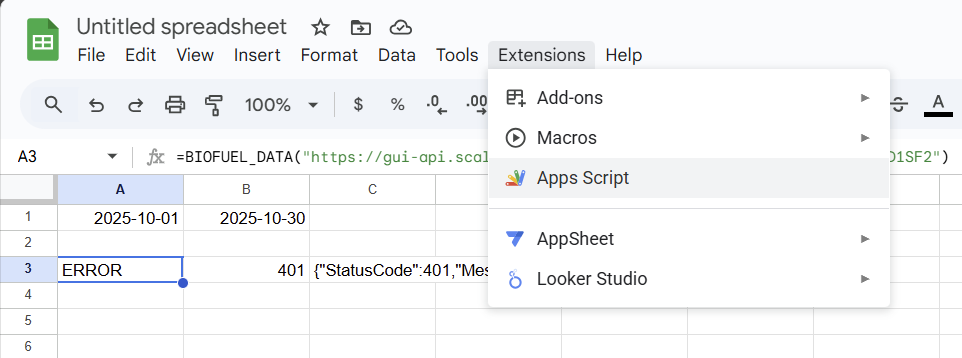
Skriptas kuri reikia ikelti i Google Sheets:
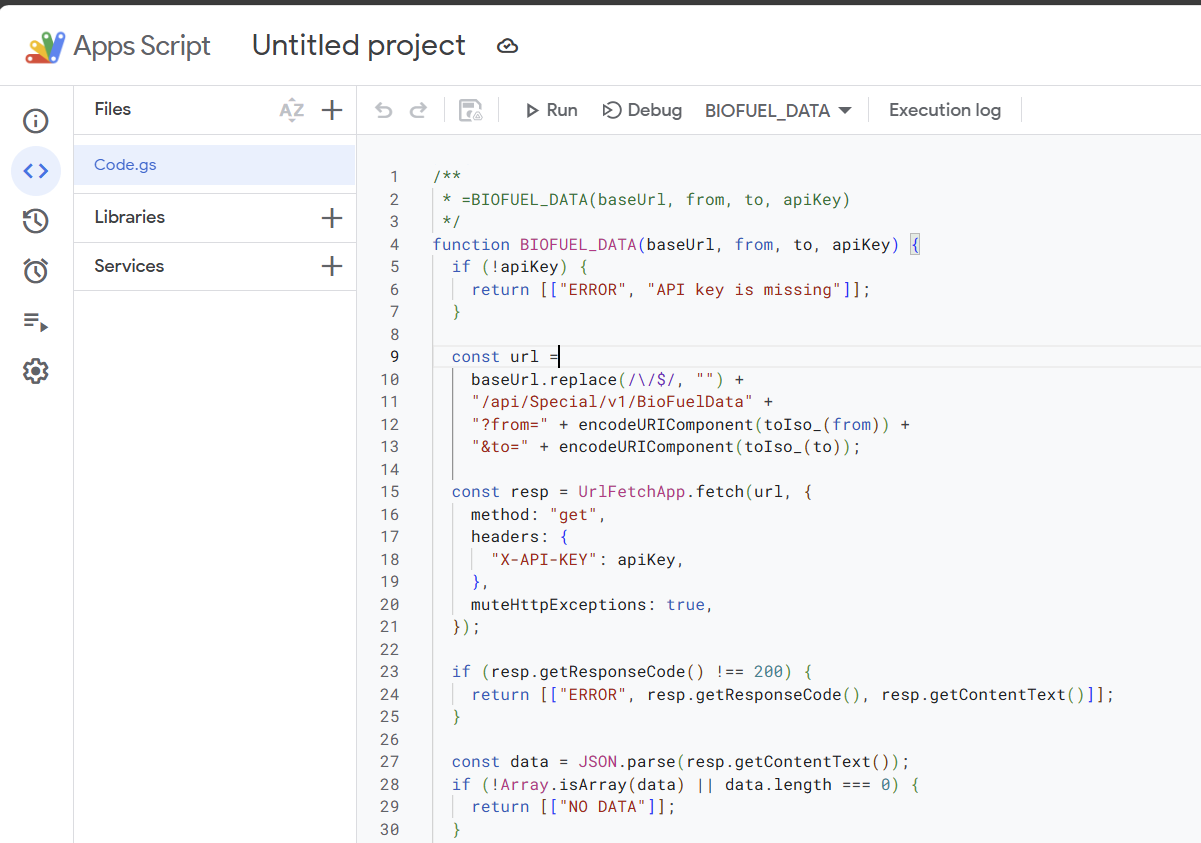
/**
 * =BIOFUEL_DATA(baseUrl, from, to, apiKey)
 */
function BIOFUEL_DATA(baseUrl, from, to, apiKey) {
  if (!apiKey) {
    return [["ERROR", "API key is missing"]];
  }

  const url =
    baseUrl.replace(/\/$/, "") +
    "/api/Special/v1/BioFuelData" +
    "?from=" + encodeURIComponent(toIso_(from)) +
    "&to=" + encodeURIComponent(toIso_(to));

  const resp = UrlFetchApp.fetch(url, {
    method: "get",
    headers: {
      "X-API-KEY": apiKey,
    },
    muteHttpExceptions: true,
  });

  if (resp.getResponseCode() !== 200) {
    return [["ERROR", resp.getResponseCode(), resp.getContentText()]];
  }

  const data = JSON.parse(resp.getContentText());
  if (!Array.isArray(data) || data.length === 0) {
    return [["NO DATA"]];
  }

  return objectsToTable_(data);
}

/* ===== helpers ===== */

function toIso_(v) {
  if (v instanceof Date) {
    return Utilities.formatDate(v, "UTC", "yyyy-MM-dd'T'HH:mm:ss");
  }
  return String(v);
}

function objectsToTable_(arr) {
  const headers = Object.keys(arr[0]);
  const table = [headers];

  arr.forEach(o => {
    table.push(headers.map(h => o[h]));
  });

  return table;
}
Iškvietimas: =BIOFUEL_DATA("https://gui-api.scales.lt", A1, B1, "API-KEY")
API-KEY ir prieigą reikia užklausti SE Cloud palaikančios komandos. Turint atitinkamą licenciją prieiga būs duota.
A1 ir B1 tūri būti užklausomo periodo pradžia ir pabaiga:

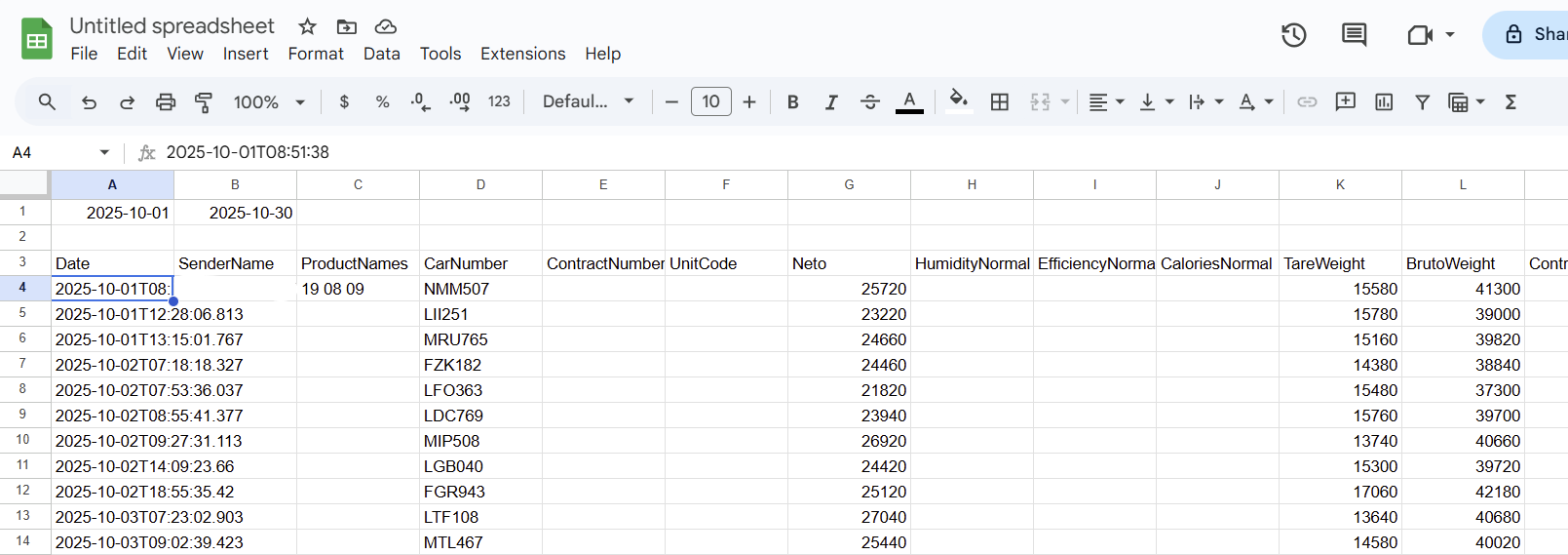
Kai duomenys bus nuskaityti jie atsiras šioje lentelėje
No Comments