
VPN to KEMEK LT
VPN to KEMEK LT.
1. For the VPN to start work, the user must first be assigned the appropriate security access group “Kemek VPN” on the AD server.

2. After that install FortiClient VPN program. Link: FortiClientVPNInstaller.exe
3. After installation You will find blue icon in windows tray. Right mouse button will open menu. Next choose "Open FortiClient Console"
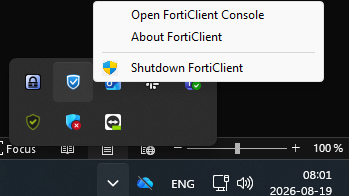
4. Select Configure VPN.
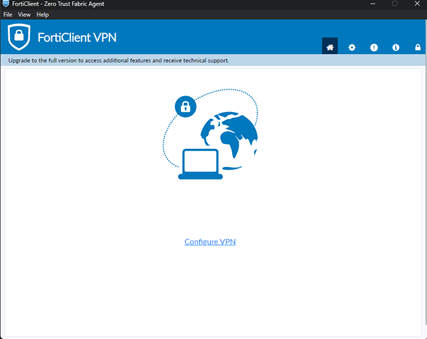
4. New configuration data, fill same as in pictures:
- Select VPN connection type: IPSec VPN.
- Remote Gateway: 88.119.158.40.
- Authentication Method: Pre-shared key (preshared key You will ask an Administrator to provide).
- Authentication (XAuth) select: Save login.
- Enter username: (same as to login to computer or server like “N.Surname”).
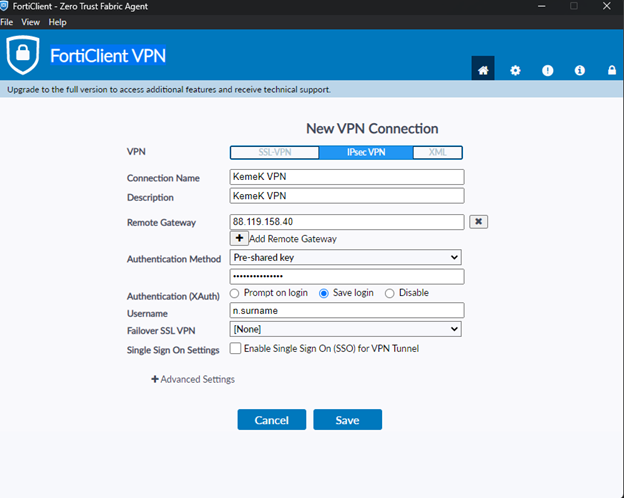

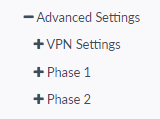
7. Copy all settings like shown in pictures (Phase1 and Phase2).
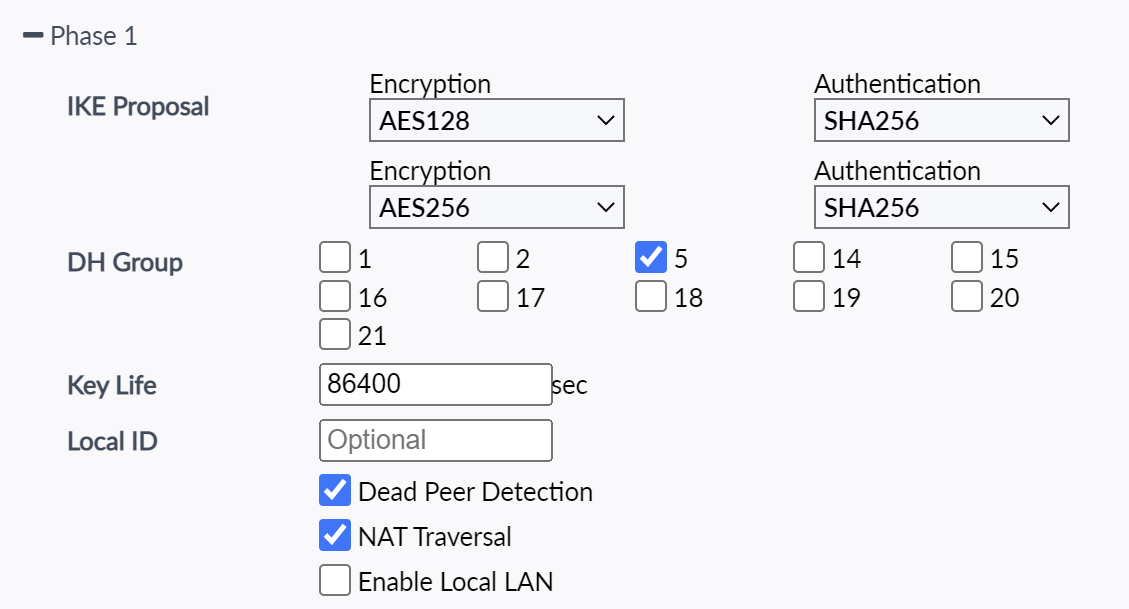
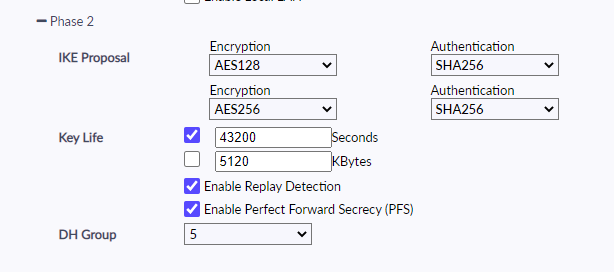
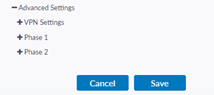
8. Press "Save” button.
9. After that enter password: (same as to login to computer or server) and press "Connect" button.
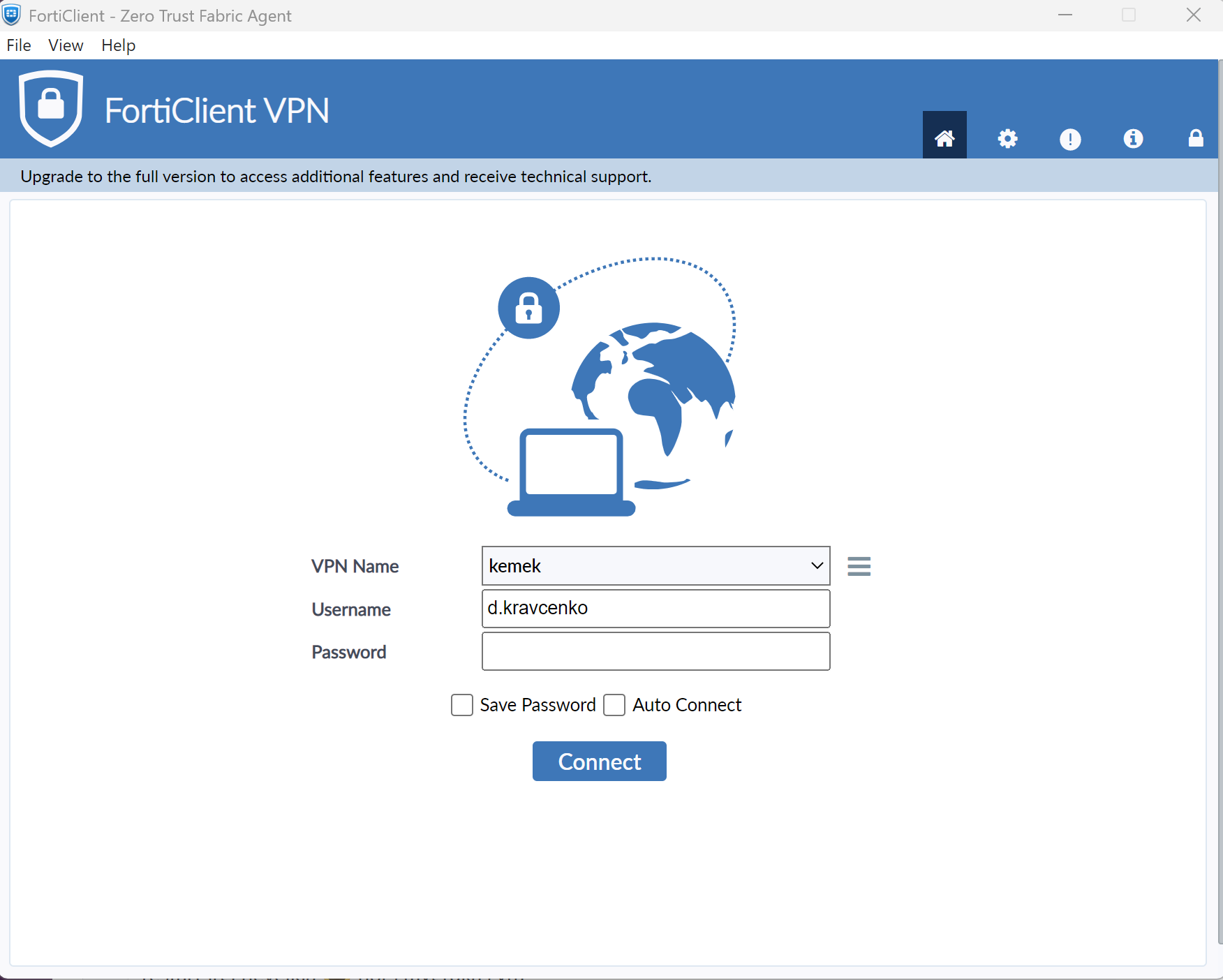
If all configurations are done correctly, you will see a similar image.
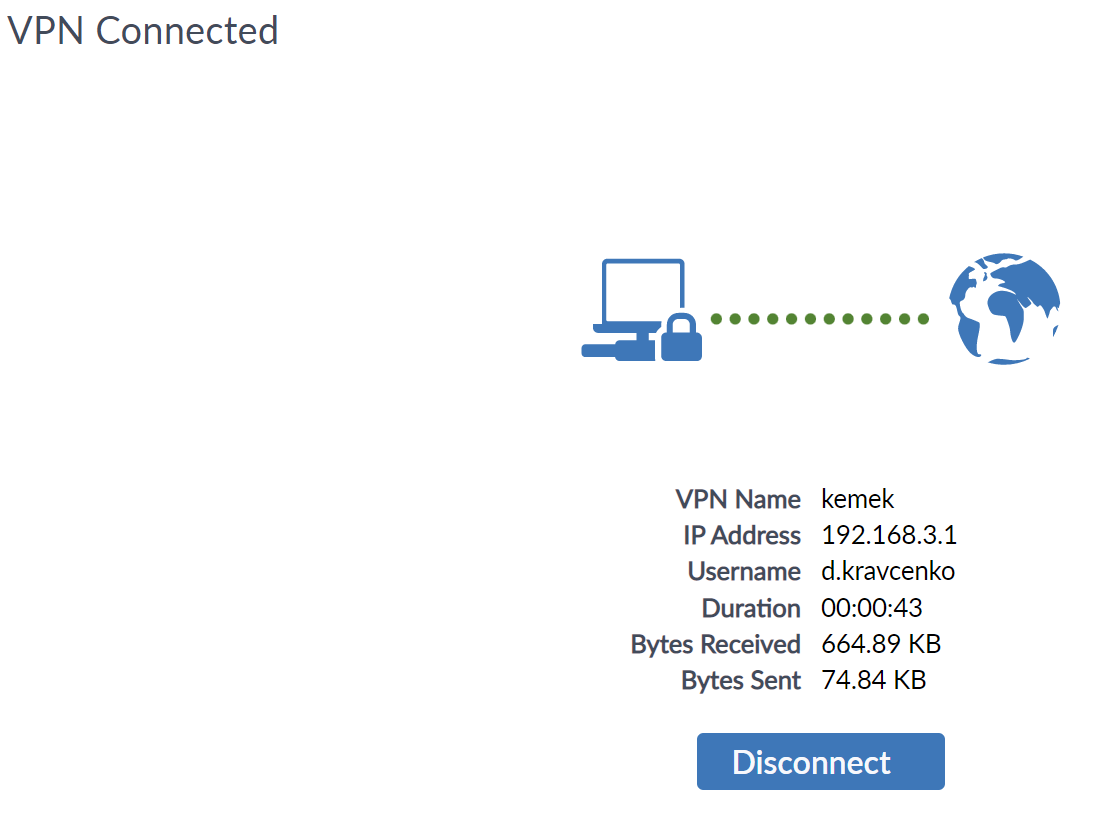
After job is done press “Disconnect” button.
No Comments